
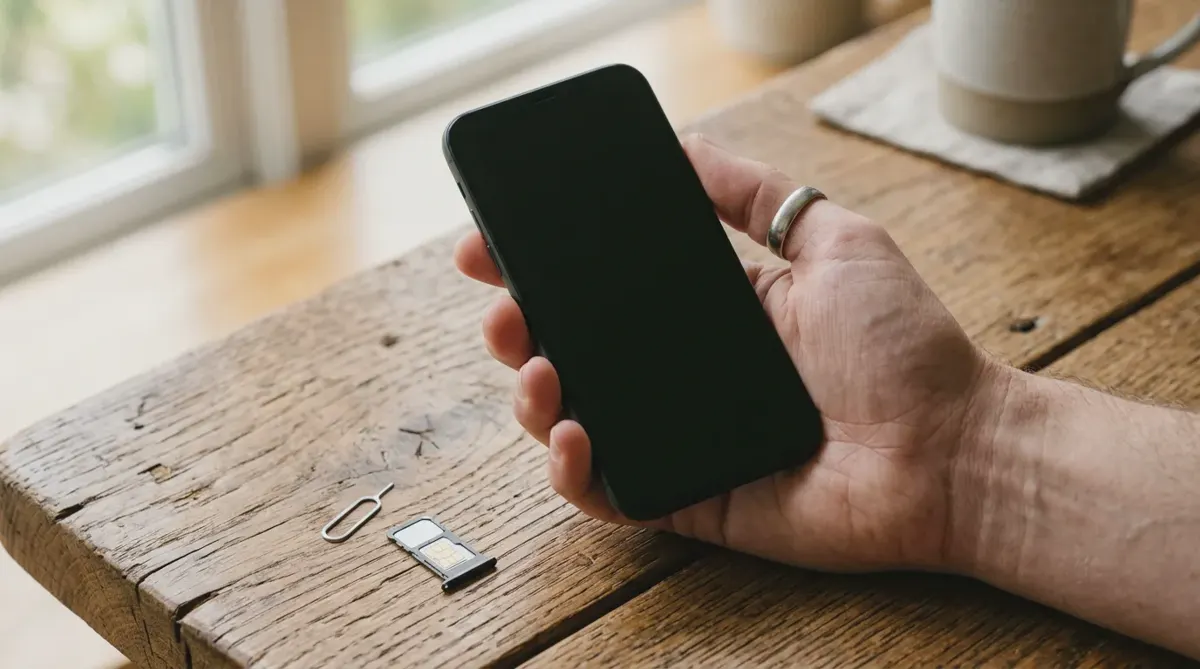
An eSIM and a physical SIM do the same job: they hold the details that connect your phone to a mobile network and bill your account. The difference is the form. A physical SIM is a small card you slot into a tray, while an eSIM is a chip built into the phone that downloads your plan over the internet. For most people on a recent phone, an eSIM is the better choice: it is quicker to set up, harder to steal, and lets you add a travel plan without removing your usual SIM.
New to the idea? Start with what an eSIM is, then come back for the comparison.
eSIM vs physical SIM at a glance
| eSIM | Physical SIM | |
|---|---|---|
| Setup | Download in settings with a QR code, a link or your carrier's app, in minutes | Collect or receive a card, eject the tray with a pin, insert it |
| Switching phones | Transfer in settings (Quick Transfer on iPhone) or ask your carrier for a new eSIM | Move the card to the new phone, if it has a slot |
| Travel | Buy and install a local data plan before you fly, keep your home SIM in | Buy a local card on arrival and take your home SIM out, or pay roaming |
| Security | Cannot be pulled out of a lost or stolen phone | A thief can remove it and put it in another phone |
| Dual SIM | Several stored, two active at once on most phones | One per slot; most phones have one slot at most |
| Durability | Nothing to bend, lose or wear out | A tiny card that can be lost, damaged or worn by swapping |
| Availability | Most major carriers; some smaller and prepaid ones still do not offer it | Every carrier, in every country |
| Phones | Every recent flagship; some models take nothing else | Most phones, but no longer US iPhones from the iPhone 14 on, and some other models |
How each one works
A physical SIM is a removable card with a chip on it. The chip stores your subscriber identity and the keys your carrier uses to recognize you. Move the card to another unlocked phone and your number moves with it.
An eSIM (embedded SIM) is a chip soldered inside the phone, with its own number called the EID. Instead of shipping you a card, the carrier sends a profile to that chip over the internet. The profile holds the same identity and keys a physical SIM card would. You install it by scanning a QR code, tapping a link or using the carrier's app, and you can store several profiles and switch between them in settings. Not sure your phone has one? The 30-second eSIM check tells you.
Both connect to exactly the same networks at the same speeds. An eSIM does not improve coverage or make data faster; it changes how the plan gets onto your phone.
Pros and cons
eSIM
Pros
- Instant setup. No shop visit and no waiting for the post. A plan can be live in a few minutes.
- Several plans on one phone. Recent iPhones store eight or more eSIMs and run two at once (Apple iPhone 17 specs); every model from the iPhone 13 on can keep two eSIMs active.
- Harder to steal. It stays in the phone if the phone is lost or stolen.
- Easy travel data. Add a local data plan for your trip without touching your home line.
Cons
- Moving it takes a step. You cannot simply swap a card into a borrowed or spare phone. The line has to be transferred or reissued.
- Not every carrier offers it. Some smaller and prepaid carriers are still physical SIM only.
- A broken phone complicates things. If the phone dies, you need the carrier to issue a new eSIM to a replacement before your number works again.
Physical SIM
Pros
- Universal. Every carrier and almost every phone, old or new, takes one.
- Simple to move. Pop it into another unlocked phone and your number works there.
Cons
- Slower to get. You visit a shop or wait for one in the post.
- Easy to lose and easy to remove. Swapping cards on a trip is fiddly, and a thief can take yours out.
- One plan per slot. To use a local SIM abroad on a single-slot phone, your home SIM has to come out.
Phones that only take an eSIM
A growing number of phones have no SIM tray at all. As of October 2026:
- iPhone in the US: every model from the iPhone 14 on is eSIM only. Apple's US specification pages for the iPhone 17 and iPhone 18 Pro say they are "not compatible with physical SIM cards" (iPhone 18 Pro specs).
- iPhone Air: eSIM only in every country, the UK included (UK iPhone Air specs).
- iPhone in the UK and Australia: the iPhone 17 and iPhone 18 Pro still take a nano-SIM next to an eSIM (UK iPhone 18 Pro specs, Australian iPhone 17 specs).
- Google Pixel in the US: the Pixel 10, 10 Pro and 10 Pro XL and the Pixel 11, 11 Pro and 11 Pro XL sold in the US are eSIM only; the Pixel 11 Pro Fold keeps a nano-SIM slot. Pixels sold outside the US still have a slot (9to5Google, August 2026).
If you buy one of these, the choice is made for you: your carrier must support eSIM, or you need a different carrier. Our compatible devices list shows which models take an eSIM.
Switching to a new phone
With an eSIM, most carriers now let you move the line from phone to phone in settings. On iPhone, Quick Transfer moves it from your old iPhone during setup or afterwards: see how to transfer an eSIM to a new iPhone. Since iOS 26, some carriers also support a transfer from an Android phone to an iPhone (Apple Support). Where your carrier does not support a transfer, its app or support line can issue a new eSIM for the new phone.
With a physical SIM, you move the card, as long as the new phone has a slot and is unlocked. That is the one case where a physical SIM is quicker.
Either way, keep the old phone until the new one has a working line, and only then remove the old eSIM: how to delete an eSIM from an iPhone explains when to choose Erase eSIM.
Traveling with eSIM or physical SIM
This is where eSIM changes the most. Phones with two active lines let you keep your home SIM, physical or eSIM, for calls and texts on your usual number, and put your mobile data on a travel eSIM for the country you visit.
- With an eSIM phone, you buy a travel eSIM before you fly, install it at home on Wi-Fi, and switch data to it when you land. Your home SIM stays where it is, with its own data roaming off.
- With a physical SIM only, you buy a local card at the airport or in town and swap it in. On a single-slot phone, your home number is out of reach until you swap back. The alternative is your carrier's roaming, which is easy but often expensive: compare the two in travel eSIM vs international roaming.
Most travel eSIMs are data only, so you keep receiving calls and texts on your home number while the eSIM carries the data. Buying one for a trip? Travel SIM card or eSIM? compares a travel SIM shipped before you fly, a local SIM at the airport and a travel eSIM.
Security: which is safer?
Theft. Apple puts it plainly: an eSIM "can't be removed if your iPhone or iPad is lost or stolen" (Apple Support). A thief who takes a phone with a physical SIM can pull the card out and use it in another phone to receive your texts, including login codes, unless you have set a SIM PIN. With an eSIM, the line stays in the locked phone.
SIM swap fraud. This one hits both types equally. A scammer persuades your carrier to move your number to a SIM or eSIM they control, then receives your security codes. It happens at the carrier, not in your phone. In the US, the FCC adopted rules in November 2023 requiring carriers to authenticate customers securely before a SIM change or a number transfer (FCC on cell phone fraud). Whatever your country, set an account PIN or a port-out lock with your carrier, and prefer an authenticator app to text message codes for important accounts.
What is an ICCID?
The ICCID (Integrated Circuit Card Identifier) is the serial number of a SIM. Every physical SIM and every eSIM profile has one. It is usually 19 or 20 digits long and starts with 89, the code for telecoms, followed by a country code and the issuer's code, as set out in the ITU standard E.118. Carriers and eSIM sellers sometimes ask for it to find your line or your plan when you contact support.
It is not the same as two other numbers you may see:
- the EID identifies the eSIM chip in your phone, which can hold several profiles, each with its own ICCID;
- the IMEI identifies the phone itself.
Where to find it:
- iPhone: Settings > General > About, then scroll down. Each SIM and eSIM is listed with its ICCID; touch and hold the number to copy it (Apple Support).
- Samsung Galaxy: Settings > About phone > Status information > SIM card status.
- Google Pixel and other Android phones: Settings > About phone > SIM status, then choose the SIM. Menu names vary by model and Android version.
- Physical SIM: the ICCID is also printed on the card and on the plastic it came in.
Which should you choose?
- Choose eSIM if your phone supports it and your carrier offers it, and especially if you travel. It is quicker to set up, harder to steal, and lets you run a travel plan next to your home line.
- Keep a physical SIM if your carrier does not offer eSIM, if you often move your number between phones, or if your phone has no eSIM. Check yours with the 30-second test.
- Use both if your phone has a slot and an eSIM: home line on the physical SIM, travel data on an eSIM. It is a common setup for travelers.
FAQ
Is an eSIM better than a physical SIM?
For most people with a recent phone, yes. An eSIM is set up in minutes without a shop visit, cannot be removed from a stolen phone, and lets you add a travel data plan while keeping your usual SIM. A physical SIM is still easier if you often move your number between phones or your carrier does not offer eSIM.
Is eSIM coverage or speed different from a physical SIM?
No. An eSIM and a physical SIM connect to the same networks with the same speeds and coverage. The difference is only in how the plan is installed on the phone: downloaded for an eSIM, inserted as a card for a physical SIM.
Can I use an eSIM and a physical SIM at the same time?
Yes, on a dual SIM phone. Phones that take a nano-SIM and an eSIM can run both lines at once, for example your home number on the physical SIM and a travel data plan on the eSIM. Current iPhones and Pixels run two lines at once and can store several more eSIMs.
Which iPhones have no SIM card slot?
As of October 2026, every iPhone sold in the US from the iPhone 14 on, and the iPhone Air in every country, take only eSIMs. The iPhone 17 and iPhone 18 Pro sold in the UK and Australia still have a nano-SIM slot alongside the eSIM, according to Apple's specification pages.
What is an ICCID number?
The ICCID is the serial number of a SIM card or eSIM profile, usually 19 or 20 digits starting with 89. On an iPhone it is in Settings > General > About; on Android, in Settings > About phone under SIM status. Carriers and eSIM sellers use it to identify your line.
Can I turn my physical SIM into an eSIM?
Often, yes. Many carriers can convert a physical SIM to an eSIM on the same phone, either in the carrier's app or, on an iPhone with a supported carrier, in Settings > Cellular > Convert to eSIM. If neither is offered, ask your carrier for an eSIM to replace the card.
Facts checked on 10 October 2026.