Skip to content
eSIM Lounge

Getting online at London Heathrow Airport

London Heathrow Airport (LHR) serves London. Here is how to get online from the moment you land: the free Wi-Fi, where SIM cards are sold, and the eSIM you can install before you fly.

Serves
London
Country
United Kingdom
Time zone
Europe/London
Terminals
Terminals 2, 3, 4 and 5
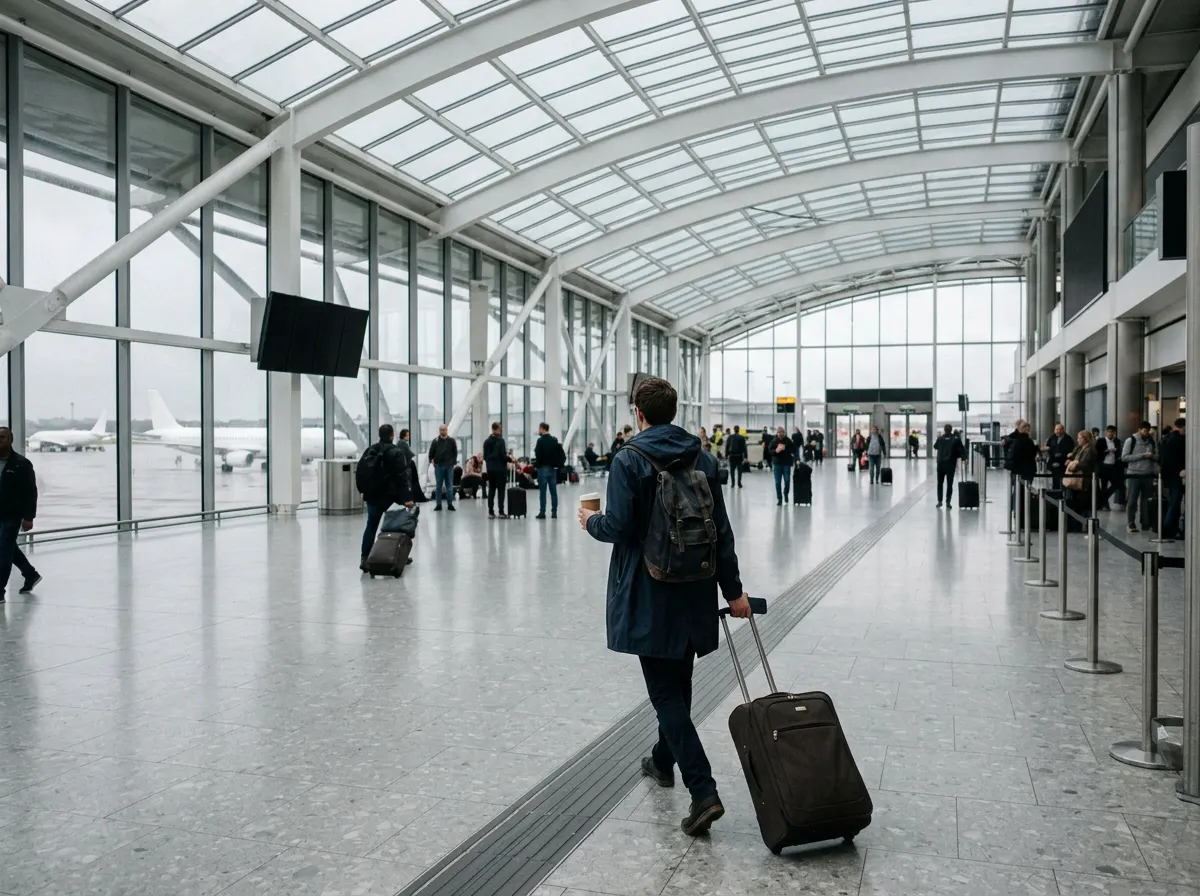
A traveler in a raincoat walks with a suitcase, a coffee and a phone under a glass roof on a grey morning

Free Wi-Fi at LHR

The free network is Heathrow Wi-Fi, in every terminal.

  • Select it, follow the on-screen steps and register to start.
  • If the landing page does not open, go to www.heathrow.com in your browser and it should redirect you.
  • The network filters content (it is certified by Friendly WiFi).
  • No device? Free internet kiosks are in every terminal.

Buying a SIM card after arrivals

Sim Local runs 11 stores across Terminals 2, 3, 4 and 5, in the arrivals, baggage reclaim and departures areas. Most open 06:00 to 22:00 every day; some Terminal 5 stores open at 05:30 or close at 21:00. They sell SIM cards from several UK networks, plus handsets and accessories.

A guide updated in August 2026 puts 30-day plans at roughly 10 to 55 pounds depending on the network: about 10 to 30 pounds for O2, 10 to 40 for Vodafone, 20 to 45 for Three and 30 to 55 for EE (checked October 2026).

eSIM plans for United Kingdom

Install one at home before you fly and you are online when the wheels touch down, with no queue at a SIM counter.

Mobile networks in United Kingdom

The UK's main mobile networks are EE, O2, Vodafone and Three. Vodafone and Three merged into VodafoneThree in 2025 and still run under their own brands while their networks are combined. A travel eSIM connects to one of them as a roaming partner, which is why data roaming must be on for the eSIM line. The partner network can differ from plan to plan, so check the plan details, or ask us at support@esimlounge.com before you buy.

Also covered by Europe

One eSIM that also works in the other countries of the bundle, for a trip that crosses borders.

See every country in Europe

  • Our plan

    0.6 GB

    1 day

  • Our plan

    4.5 GB

    1.5 GB a day

    3 days

    $1.55 per GB

  • Our plan

    7.5 GB

    1.5 GB a day

    5 days

    $1.33 per GB

  • Our plan

    10.5 GB

    1.5 GB a day

    7 days

    $1.14 per GB

  • Our plan

    22.5 GB

    1.5 GB a day

    15 days

    $0.89 per GB

  • Our plan

    45 GB

    1.5 GB a day

    30 days

    $0.60 per GB

  • Our plan

    Unlimited data

    3 days

    Full speed for the first 5 GB each day

  • Our plan

    Unlimited data

    5 days

    Full speed for the first 5 GB each day

  • Our plan

    Unlimited data

    7 days

    Full speed for the first 5 GB each day

  • Our plan

    Unlimited data

    15 days

    Full speed for the first 5 GB each day

Also covered by Global (170 countries)

One eSIM that also works in the other countries of the bundle, for a trip that crosses borders.

See every country in Global (170 countries)

Also covered by Global (75 countries)

One eSIM that also works in the other countries of the bundle, for a trip that crosses borders.

See every country in Global (75 countries)

Compare every United Kingdom eSIM plan Check your phone supports eSIM

Tips for staying connected

  • On a work laptop, a proxy setting can stop the Wi-Fi landing page from loading. Heathrow's troubleshooting guide shows how to switch it off while you sign in.
  • Wi-Fi help: Heathrow Customer Care on 0808 189 1365.

Getting into London

The taxis, trains and private transfers from LHR into London are compared on our sister site: London Heathrow Airport on airporttransportation.com

London Heathrow Airport questions

Is the Wi-Fi free at Heathrow?

Yes. Select Heathrow Wi-Fi, follow the on-screen steps and register. It is free in every terminal.

Where can I buy a SIM card at Heathrow?

At Sim Local, which has 11 stores across Terminals 2, 3, 4 and 5, including arrivals and baggage reclaim. Most open 06:00 to 22:00.

What if the Heathrow Wi-Fi login page does not appear?

Go to www.heathrow.com in your browser to bring it up. On a work laptop, turn off the proxy setting while you sign in.

More airports in United Kingdom

Every airport guide